
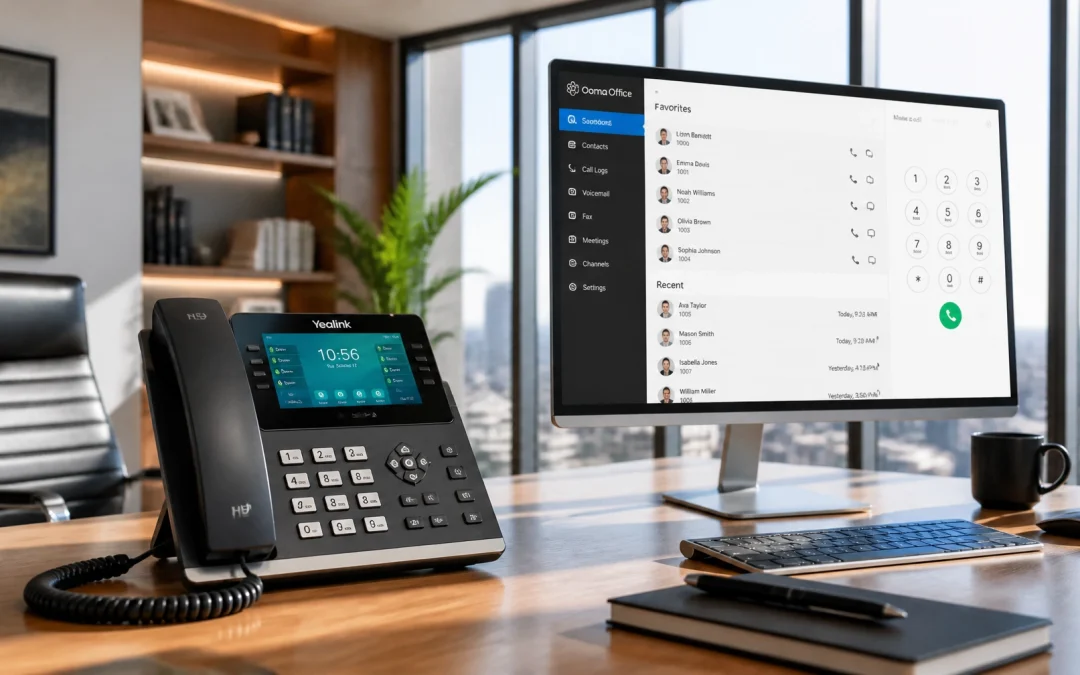
Your business phone system is more than a way to answer calls. It is a critical platform for customer service, sales, collaboration, and daily operations. The right business VoIP phone system can help you improve responsiveness, support remote work, reduce infrastructure costs, and scale communication as your company grows.
However, every provider does not deliver the same combination of features, reliability, security, and support. Use this 2026 buyer’s guide to evaluate your options confidently and choose a VoIP phone service provider that supports your long-term goals.
Define Your Communication Requirements First
Before comparing providers, identify how your team communicates today and where your current system falls short.
Start by documenting:
- Your current users and projected growth: Count employees, departments, locations, and expected hiring over the next 12–24 months.
- Your call volume: Review peak calling periods, inbound customer traffic, outbound sales activity, and concurrent calls.
- Your work environment: Determine whether your team works in the office, remotely, across multiple locations, or through a hybrid model.
- Your essential devices: Decide whether employees need desk phones, desktop softphones, mobile applications, or a combination.
- Your current pain points: Identify dropped calls, missed opportunities, outdated hardware, limited reporting, and difficult administration.
This requirements list gives you a practical framework for comparing a virtual phone system for business. It also helps you avoid paying for complicated features your team will never use.
Prioritize Scalable Cloud Architecture
Choose a system that grows with your business instead of forcing you to rebuild your communications infrastructure every time your company expands.
A modern hosted platform should allow you to:
- Add users and extensions without installing new physical phone lines.
- Connect employees through compatible desk phones, computers, tablets, or smartphones.
- Support new offices and remote workers through centralized administration.
- Adjust service as your staffing levels and calling requirements change.
- Expand features without purchasing another on-site PBX.
Ask each provider how quickly you can add ten users, create new departments, or change call flows. Also ask whether reducing users creates penalties or complicated contract changes.
With PBXPros cloud PBX solutions, your business can access flexible communication plans designed for organizations at different stages of growth. You receive the scalability of the cloud without the additional infrastructure costs associated with traditional phone systems.

Enhance Operations With Advanced Call Management
A reliable phone system should make every call easier to route, answer, track, and follow up. Look beyond basic dialing and voicemail when evaluating your options.
Prioritize these capabilities:
- Automated attendants: Greet callers professionally and direct them to the correct department.
- Call forwarding: Route calls to employees, mobile devices, or alternate locations when staff members are unavailable.
- Voicemail to email: Send messages to inboxes so employees can respond faster.
- Call queues and ring groups: Organize high-volume calls and distribute them across available team members.
- Business-hours routing: Create separate rules for open hours, holidays, weekends, and after-hours coverage.
- Call transfer and hold functions: Help employees collaborate and connect customers with the right specialist.
- Call recording and reporting: Support training, quality assurance, compliance, and performance analysis.
- Softphone access: Let employees make and receive business calls from computers and mobile devices.
Match the feature set to your workflow. A small professional office may need voicemail, forwarding, and an automated attendant. A growing service team may also need queues, analytics, call recording, and department-based routing.
Review the PBXPros Phones page to explore compatible device options for office-based and flexible teams.
Verify Call Quality and Network Reliability
Protect your customer experience by making call quality a non-negotiable requirement. A feature-rich system is not valuable if calls sound distorted, drop unexpectedly, or suffer from long delays.
Evaluate a prospective provider’s:
- Network infrastructure: Ask how the provider maintains consistent service across locations and peak usage periods.
- Voice quality standards: Confirm support for high-definition voice and modern codecs.
- Redundancy and failover: Learn how service continues during equipment, network, or facility disruptions.
- Performance commitments: Review any uptime guarantees, service-level agreements, and remedies for outages.
- Network-readiness support: Determine whether the provider helps you evaluate bandwidth, latency, jitter, and local network configuration.
Run a pilot before committing. Test inbound and outbound calls during busy hours, remote calling, call transfers, voicemail delivery, mobile applications, and device handoffs.
PBXPros uses robust network infrastructure to support high-quality, uninterrupted calls. Your team needs only a reliable internet connection and compatible devices while PBXPros manages the underlying technical complexity.
Protect Communications With Robust Security
Your phone system carries customer information, internal decisions, account details, and other sensitive business data. Choose a provider that treats communications security as a core responsibility.
Ask about:
- Encryption for call signaling and voice media.
- Protection for voicemail, recordings, transcripts, and account information.
- Multi-factor authentication for administrative accounts.
- Role-based permissions and access controls.
- Fraud monitoring and suspicious calling alerts.
- Secure backups and disaster recovery processes.
- Security updates for the hosted platform.
- Emergency calling capabilities and location management.
The National Institute of Standards and Technology VoIP guidance provides useful background on securing voice communications. You can also review CISA’s guidance on multifactor authentication as part of your broader access-control strategy.
PBXPros provides multiple layers of encryption and security protocols to help protect business communications. Read the company’s guide to cloud-based phone system security for additional evaluation criteria.
Demand 24/7 Dedicated Support
Phone service directly affects revenue, customer satisfaction, and operational continuity. When a technical issue occurs, waiting until the next business day is not an acceptable support strategy.
Choose a provider that offers:
- 24/7 access to knowledgeable support professionals.
- Clear phone, email, or chat escalation channels.
- Assistance with configuration and onboarding.
- Help troubleshooting devices and network issues.
- Straightforward guidance for administrators and end users.
- Documented response and resolution expectations.
Support should extend beyond installation. Your provider should remain a dependable communications partner as you add users, update call flows, introduce new devices, and refine your customer-service processes.
PBXPros offers 24/7 dedicated customer support, helping you resolve issues quickly and keep your business connected.
Preserve Your Existing Numbers With Seamless Porting
Your established business numbers may appear on websites, business cards, directories, invoices, and customer contact lists. A provider switch should not require you to abandon the numbers your customers already recognize.
Before selecting a provider, ask:
- Can you port local, toll-free, direct-dial, and department numbers?
- What documentation does the porting process require?
- How long will the transfer typically take?
- Who manages coordination with your current carrier?
- How will the provider minimize disruption during cutover?
- Can you add new numbers as your business expands?
Verify that the account name and service address match your existing carrier records. Prepare a complete inventory of numbers, extensions, devices, and call-routing rules before migration.
PBXPros supports seamless number porting and can help you transition to a modern platform while preserving the numbers your customers use to reach you.
Compare Total Cost and Contract Flexibility
Look beyond the advertised monthly rate. Evaluate the complete cost of ownership, including users, devices, calling minutes, add-on features, setup, porting, taxes, and regulatory fees.
Your comparison should include:
- Monthly service charges.
- Desk phone or headset costs.
- International calling rates.
- Call recording or storage fees.
- Additional number charges.
- Setup and onboarding fees.
- Contract terms and cancellation requirements.
- Costs for adding or removing users.
Month-to-month service can provide valuable flexibility when your workforce, budget, or business strategy may change. It allows you to validate service quality without accepting a restrictive long-term commitment.
PBXPros offers flexible month-to-month plans and free setup for new customers. Review the PBXPros plans and pricing page to compare available options and discuss a package tailored to your requirements.

Pilot, Evaluate, and Then Deploy
Reduce implementation risk by following a disciplined selection process:
- Audit your current phone system and document costs, limitations, and call flows.
- Define must-have features separately from desirable advanced capabilities.
- Shortlist three to five providers based on scalability, quality, support, and security.
- Request transparent pricing that includes setup, equipment, add-ons, and contract terms.
- Test the service with a pilot group across office, remote, and mobile environments.
- Confirm number-porting requirements and establish a migration timeline.
- Measure user experience by testing call quality, administration, routing, voicemail, and reporting.
- Deploy in stages and provide employees with clear training and support.
This process helps you choose a long-term partner instead of simply purchasing another phone product.
Choose PBXPros for Future-Ready Communication
Select PBXPros when you want a seamless, scalable, and professionally supported communications platform.
PBXPros delivers:
- State-of-the-art cloud PBX solutions.
- Advanced call forwarding, automated attendants, and voicemail-to-email.
- Robust security with multiple encryption layers.
- Reliable, high-quality calling.
- 24/7 dedicated customer support.
- Existing-number porting.
- Flexible month-to-month plans with no long-term contracts.
- Free setup for new customers.
- Customizable options for small businesses and enterprise teams.
Whether you need a flexible virtual phone system for business or a comprehensive hosted PBX for business, PBXPros handles the technical complexity so you can focus on customers, employees, and growth.

Answer Common Business VoIP Questions
Is a business VoIP phone system reliable?
Yes. A professionally managed VoIP platform can deliver high-quality, dependable calling through robust network infrastructure, redundancy, and proper network configuration. Always test service quality before deployment.
Can I keep my existing business phone numbers?
Yes. PBXPros supports number porting, helping you preserve the contact numbers your customers already know.
Do I need expensive new hardware?
No. You can use compatible IP desk phones, computers, smartphones, and softphone applications. PBXPros can help you determine the best device combination for your team.
Does PBXPros require a long-term contract?
No. PBXPros offers flexible month-to-month plans without long-term commitments.
Is setup included?
Yes. PBXPros provides free setup for new customers to make your transition straightforward and hassle-free.
Can a virtual phone system support remote employees?
Absolutely. Employees can use compatible devices to make and receive business calls from approved locations while maintaining your company identity and professional call flows.
Does PBXPros provide support outside regular business hours?
Yes. PBXPros offers 24/7 dedicated customer support to help keep your communications running smoothly.
Unlock Seamless Communication Today
Choose a phone system that supports your business today and strengthens your next stage of growth. Evaluate scalability, call management, security, support, porting, flexibility, setup, and quality: and make PBXPros your strategic communications partner.
Contact PBXPros to get started with a modern business VoIP phone system and discover a more flexible future for business communication.